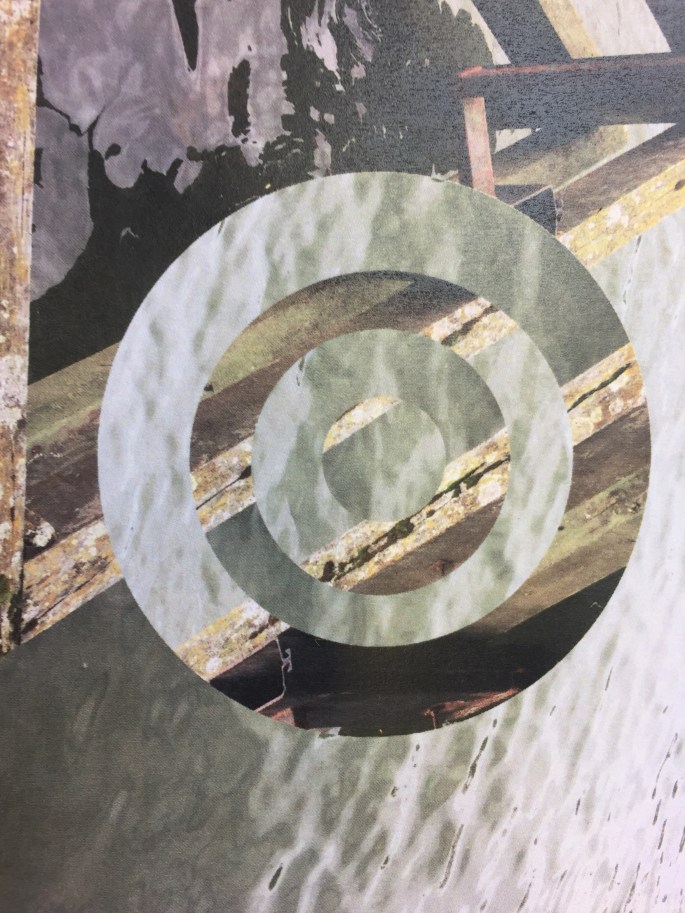
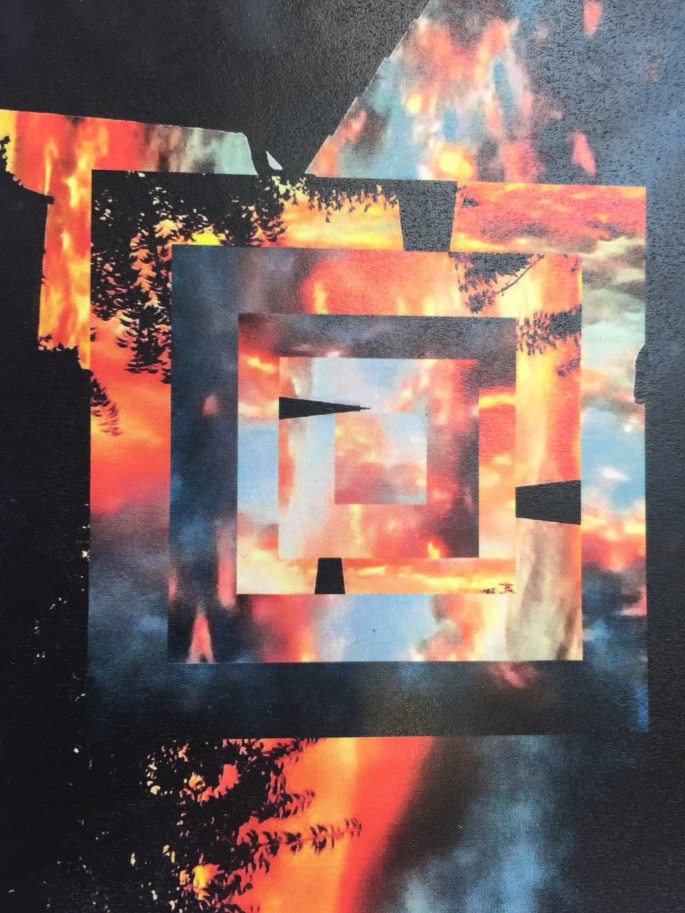
To edit these images I used Adobe photoshop. Start by uploading your image to photoshop and then duplicate the layer. Then select the marquee tool and hold down the command key whilst you select the shape you want to use. If you want a square then select a rectangle and hold down the shift key as you are drawing the shape. when you are happy with the shape press enter, then go to edit click on free transform to rotate your image however you want to. You can repeat this as many times as you want making it smaller each time and giving it a different rotation.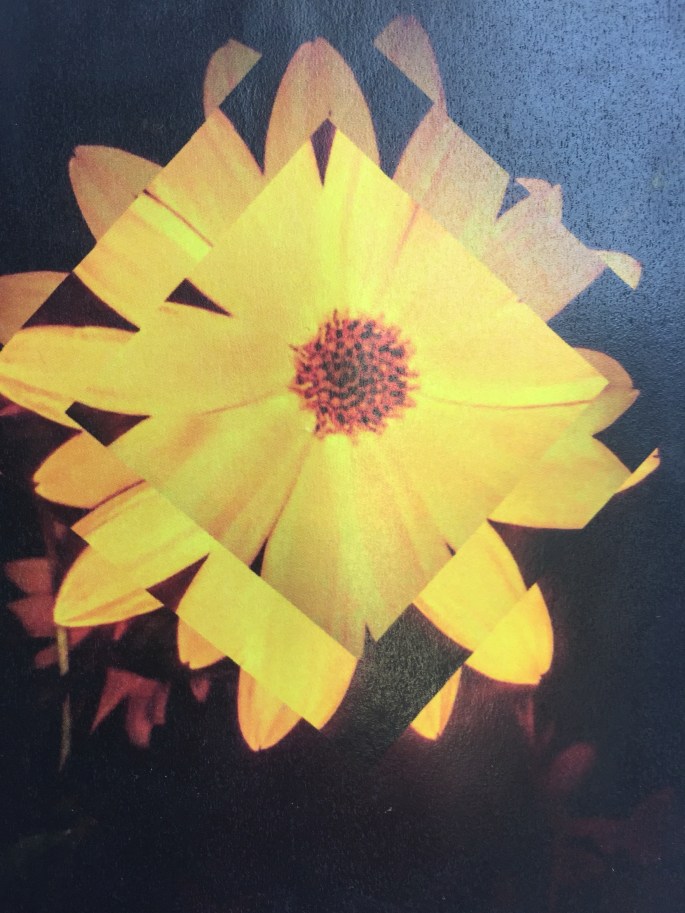

 anyas photography